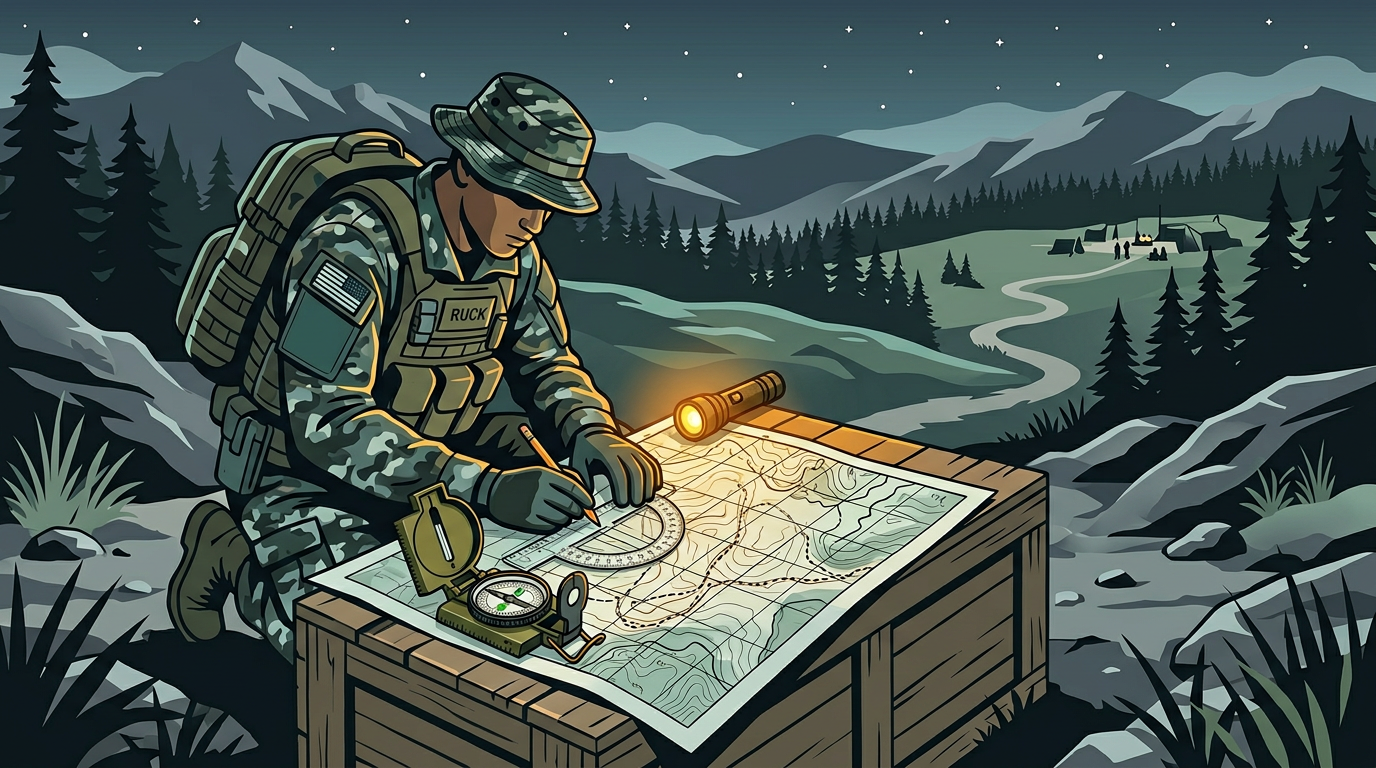
Everything You Need on Your Phone for Backcountry Hiking (No Signal Required)
Your phone can navigate, identify plants, analyze terrain, provide first aid, manage battery, and keep your group connected on trail, all without cell signal. Here's how to set it up.
Most hikers carry their phone on every trip. Most hikers also lose cell signal within the first mile of any real backcountry trail. At that point, the phone becomes a camera with a clock.
It doesn't have to be that way. With about 15 minutes of setup before you hit the trail, your phone can serve as a navigation tool, plant identifier, terrain analyzer, first aid reference, battery manager, and group communicator, all without a single bar of signal.
Here's how to turn your phone into a genuine backcountry tool.
Navigation: Offline Maps That Work on Trail
Lost on a trail without signal is a real scenario. It happens to experienced hikers, not just beginners. A wrong turn at an unmarked junction, a trail obscured by blowdown, or fog that makes landmarks invisible.
Before your hike: Download the map region for your entire hiking area. Not just the trailhead, but the surrounding area in case you go off-route.
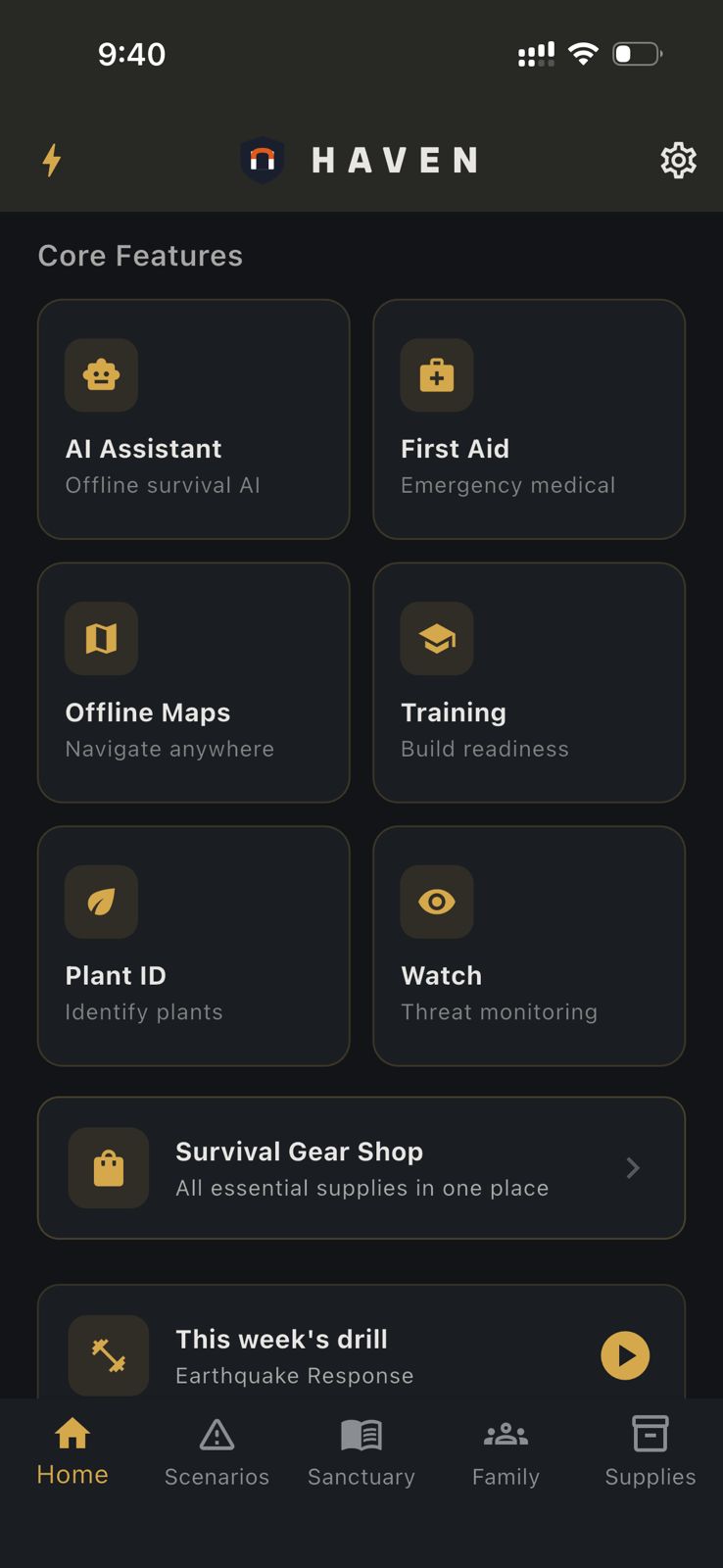
HAVEN uses OpenStreetMap-based offline tiles with POI layers for water sources, shelters, and medical facilities. Download the region on home Wi-Fi, and the full map lives on your phone. GPS works without cell service (it uses satellites, not towers), so you can see your position on the map even in airplane mode.
Pro tip: Turn on airplane mode at the trailhead. Your phone won't waste battery searching for cell towers, and GPS still works. This alone can double your battery life on trail.
Plant Identification: Know What You're Looking At
Trail-side plant identification is useful whether you're a forager, a naturalist, or just curious about what's growing along the path.
HAVEN's Plant ID uses an on-device TensorFlow Lite model to identify plants from photos. Point your camera at a leaf, flower, or fruit and get an identification with safety classification: safe, toxic, medicinal, or edible. The AI can provide additional context about habitat, look-alikes, and traditional uses.
This runs entirely on your phone. No signal needed. No photo uploaded anywhere.
When it matters most: You twisted an ankle and need to stay overnight. Knowing which plants around your bivouac are safe to handle, which might provide calories, and which to avoid is practical knowledge, not theoretical.
Terrain Analysis: Understanding What's Ahead
If your phone has 10 GB+ of RAM, HAVEN's Environment Scan uses Gemma 4 vision AI to analyze terrain from a photo. Point your camera at the landscape ahead and get an assessment: terrain type, visible hazards (steep drops, unstable ground, water crossings), water sources, shelter opportunities, and vegetation patterns.
This isn't a gimmick. When you're standing at a ridge deciding whether to descend a slope you can't fully see, or choosing between two route options in unfamiliar terrain, having an AI analyze what's visible and flag risks is genuinely useful.
The analysis happens on-device. Your photos never leave your phone.
First Aid: When You Can't Call 911
Backcountry injuries happen miles from the nearest road, hours from the nearest hospital, and in places where you can't call for help.
Common backcountry injuries:
- Sprained or broken ankles
- Lacerations from falls or equipment
- Blisters and foot problems
- Insect stings and allergic reactions
- Hypothermia and heat exhaustion
- Waterborne illness
What to carry: At minimum, bring a first aid kit with bandages, antiseptic, blister treatment, an elastic wrap, pain relievers, antihistamines, and any personal medications.
On your phone: HAVEN's offline AI can walk you through treatment step by step. "I fell and my wrist is swollen and I can't rotate it. How do I splint it with what I have in my pack?" The AI provides practical, step-by-step guidance without needing signal.
HAVEN also includes built-in medical reference content that you can search with Ask The Books. Import a wilderness first aid manual before your trip for even more comprehensive offline reference.
Battery Management: Making It Last
A dead phone in the backcountry means no map, no first aid reference, no communication. Battery management isn't optional.
Hardware:
- Bring a power bank. For a day hike, 5,000-10,000 mAh is enough. For multi-day trips, 20,000 mAh or a solar charger.
- Carry a charging cable. This sounds obvious until you're on a trail with a power bank and no cable.
Software:
- Airplane mode from the trailhead. This is the single most effective battery saver.
- Reduce screen brightness to the minimum you can comfortably read.
- Close all apps you're not using.
- Turn off Bluetooth unless you're using mesh communication.
- Disable background app refresh.
HAVEN includes a battery management screen that monitors your level and gives prioritization advice: what to turn off and in what order to maximize remaining life for the functions that matter.
Trail rule: Check your battery at every break. If you're below 50% at the halfway point, start conserving aggressively.
Group Communication: Bluetooth Mesh
Cell towers don't cover most trails. Walkie-talkies work but add weight and bulk. HAVEN offers a middle option: Bluetooth mesh chat.
If everyone in your group has HAVEN installed, you can send messages device-to-device via Bluetooth. No cell towers, no Wi-Fi, no internet. The range is typical Bluetooth distance (30-100 feet in open terrain, less in dense forest), but messages can relay through intermediate devices.
This is most useful when your group splits up (someone hikes ahead, someone falls behind, a group splits at a junction) and you need to coordinate without yelling across the canyon.
Also useful: HAVEN's meeting points feature. Before the hike, set a primary and secondary meeting point. If someone gets separated and Bluetooth is out of range, everyone knows where to regroup.
Pre-Hike Phone Setup Checklist
The night before your hike, spend 15 minutes:
1. Download offline maps for the entire hiking area (not just the trail, but surrounding terrain)
2. Download an AI model if you haven't already (1-3 GB on Wi-Fi)
3. Import any reference material into HAVEN's library (trail guide, first aid manual, plant field guide)
4. Set meeting points for the trail (trailhead parking lot + a midpoint landmark)
5. Charge your phone to 100% and your power bank
6. Turn off automatic updates and background app refresh
7. Test airplane mode + GPS to confirm your map and location work without signal
What You Need
Everything above works on HAVEN's free tier except Plant ID and Environment Scan, which require Pro ($24.99 one-time, not a subscription).
Free tier gives you:
- 15 AI messages per day (enough for a day hike)
- 1 offline map region
- Meeting points and emergency contacts
- Built-in reference books
- Battery management
Pro adds:
- Unlimited AI chat
- Multi-region maps
- Plant ID
- Environment Scan (Gemma 4, requires 10 GB+ RAM)
- Custom AI model import
No account needed to use the free tier. Download HAVEN before your next hike and spend 15 minutes setting it up. Your phone can do more on trail than you think.
For a full ranking of offline survival map apps (topo, elevation, emergency POIs), see Best Offline Survival Maps 2026-2027.
Ready to get prepared?
Carry on-device AI advice, offline topographic maps, and 12 printable field manuals on your phone with zero cell signal needed.