Why HAVEN Watch Beats Doomscrolling: Signal vs. Noise in Emergency Awareness
Weather apps, news feeds, and government alerts each do one thing. None of them are built to help you make a preparedness decision. HAVEN Watch is. Here's the difference between noise and signal.
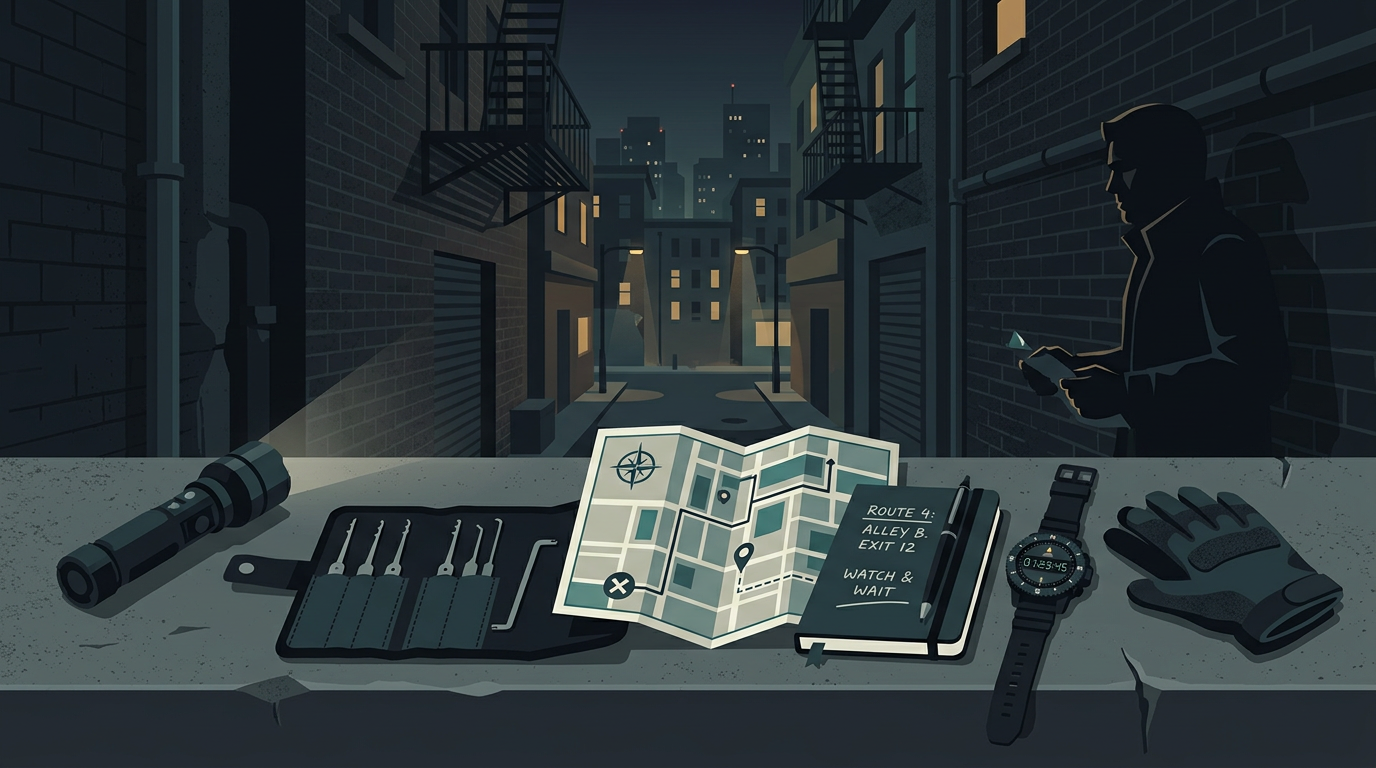
Most people who care about preparedness have tried to stay informed using some combination of: the cable news ticker, a weather app, Twitter/X, Reddit, and the occasional FEMA alert that they weren't sure if they should act on. The result is a permanent background anxiety that doesn't make you any more prepared.
The problem isn't information access. The problem is signal-to-noise ratio. Let's look at what each of those sources actually gives you - and what Watch does differently.
What your current alert sources are actually optimized for
News apps and cable news: Optimized for engagement. Every alert is an opportunity to keep you in the app. The same story gets five notifications over 48 hours. Significant events share screen time with outrage content designed to generate clicks. When a real earthquake happens, it competes with political drama for the same real estate. You can't tell what to act on.
Weather apps: Good for day-to-day weather, mostly useless for preparedness planning. Standard weather apps show you the 7-day forecast but don't alert you to developing severe situations 48–72 hours out. NOAA issues Red Flag Warnings days in advance; most weather apps surface this information passively, not proactively.
Government emergency alerts (WEA): The Wireless Emergency Alert system that makes your phone scream at you. Highly reliable, but reactive by design. WEA alerts when the tornado is already on the ground, the evacuation is mandatory, or the Amber Alert is active. It was never built for preparation - it was built for immediate response. By the time you get a WEA alert, the window for preparation has often closed.
Social media: Fastest source for breaking events, completely unreliable for context. You'll see a tweet about an earthquake 4 minutes after it happens and another tweet ten minutes later saying the first tweet was wrong. You have no way to assess what's real, what's significant, or what it means for you specifically.
The three problems none of these solve
1. They don't combine related signals. An earthquake swarm, three consecutive Red Flag Warning days, and a geopolitical escalation that's disrupting fuel supply chains are all separate threads across separate apps. None of your current tools show you the full picture.
2. They aren't tuned for preparedness decisions. An alert that tells you "magnitude 3.8 earthquake 90 miles from your location" doesn't help you decide whether to do anything. An alert that shows you the same quake in the context of a cluster of 11 similar events over the past week, along with Cascadia Subduction Zone context, helps you make a decision.
3. They alert you when it's too late to prepare. The preparedness window - the hours or days before a situation becomes a crisis - is exactly the window most alert systems are designed to jump over. They wait until the crisis demands immediate action before saying anything.
What Watch does differently
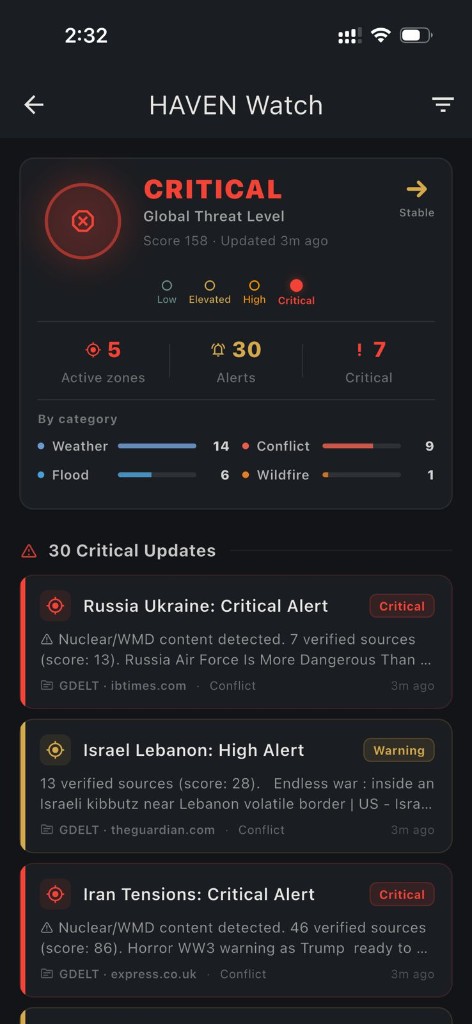
It monitors what matters for preparedness, not what generates engagement. Watch pulls from USGS, NOAA, GDACS, GDELT, and UN OCHA. These are authoritative data sources with no financial incentive to keep you anxious or in the app. The data is processed to surface signal: patterns, clusters, escalations, and anomalies that matter for preparedness decisions.
You control the thresholds. What magnitude earthquake matters to you? You set it. Earthquakes below 4.0 in your region are probably not actionable - Watch won't notify you. A 5.8 on a fault you're concerned about is different. Set it to what matters for your situation.
The daily briefing replaces 40 minutes of scanning. Every morning, Watch delivers a regional intelligence-style summary: what happened in the last 24 hours that matters for your area, what context is needed to understand it, and what - if anything - warrants action or attention. 90-second read. Then you move on.
Early signal, not reactive alarm. Watch surfaces the earthquake swarm before the big quake, the approaching severe weather system before the evacuation notice, the supply chain pressure before it becomes fuel shortage. The preparedness window is exactly what Watch is designed to capture.
The practical difference
Here's a real scenario that illustrates the gap:
Standard setup: You see a news alert: "6.1 magnitude earthquake strikes Pacific Northwest." You Google it, find three news stories with varying accuracy, can't find the USGS data quickly, don't know if your area is in the shaking zone or the tsunami run-up area, and check again 20 minutes later when the initial news has moved on to something else.
With Watch: You got a push notification 6 hours before the big quake because Watch had flagged an unusual cluster of smaller quakes along the fault. Your daily briefing that morning mentioned the cluster in context. When the 6.1 hit, Watch sent a magnitude, depth, and distance-from-you notification with a link to the USGS ShakeMap. You already had your household staged from the morning briefing.
One of those scenarios required you to chase information. The other one delivered it to you, in context, at the moment when it was actionable.
Watch isn't for doomscrolling
This point is worth being direct about: Watch is not a better way to doomscroll. It's a tool for people who want to be informed without being anxious - who want the specific information that matters for their preparedness decisions, delivered when it's actionable, without the constant stream of content designed to keep them in an agitated state.
If you want Watch to be silent 90% of the time, it can be. Configure your thresholds high, keep the daily briefing as your primary contact point, and let push notifications fire only when something above your significance threshold happens.
That's the goal: informed and calm, not informed and exhausted.
Related guides
Watch includes the full Pro app
One more thing worth noting: every Watch subscription includes the full HAVEN Pro app at no extra charge. So the live monitoring layer and the offline emergency capability are bundled together. Live intelligence when you have signal; full offline AI and protocols when you don't. They're designed to work in sequence, because crises rarely start and end in a single state of connectivity.
Ready to get prepared?
Download HAVEN free and start your preparedness journey today.