How to Use AI Without Sending Data to the Cloud (100% Private)
Learn how to run powerful AI models entirely on your phone or laptop without sending any data to the cloud. Complete privacy, zero internet required.

Most modern AI tools require an active internet connection. When you ask a question, your prompt is sent to a cloud server, processed, and the answer is sent back. But what if you want to use AI without sending data to the cloud?
Whether you're concerned about privacy, working in a remote area, or preparing for grid outages, running AI strictly on-device is not only possible—it's incredibly powerful in 2026.
Why use AI without the cloud?
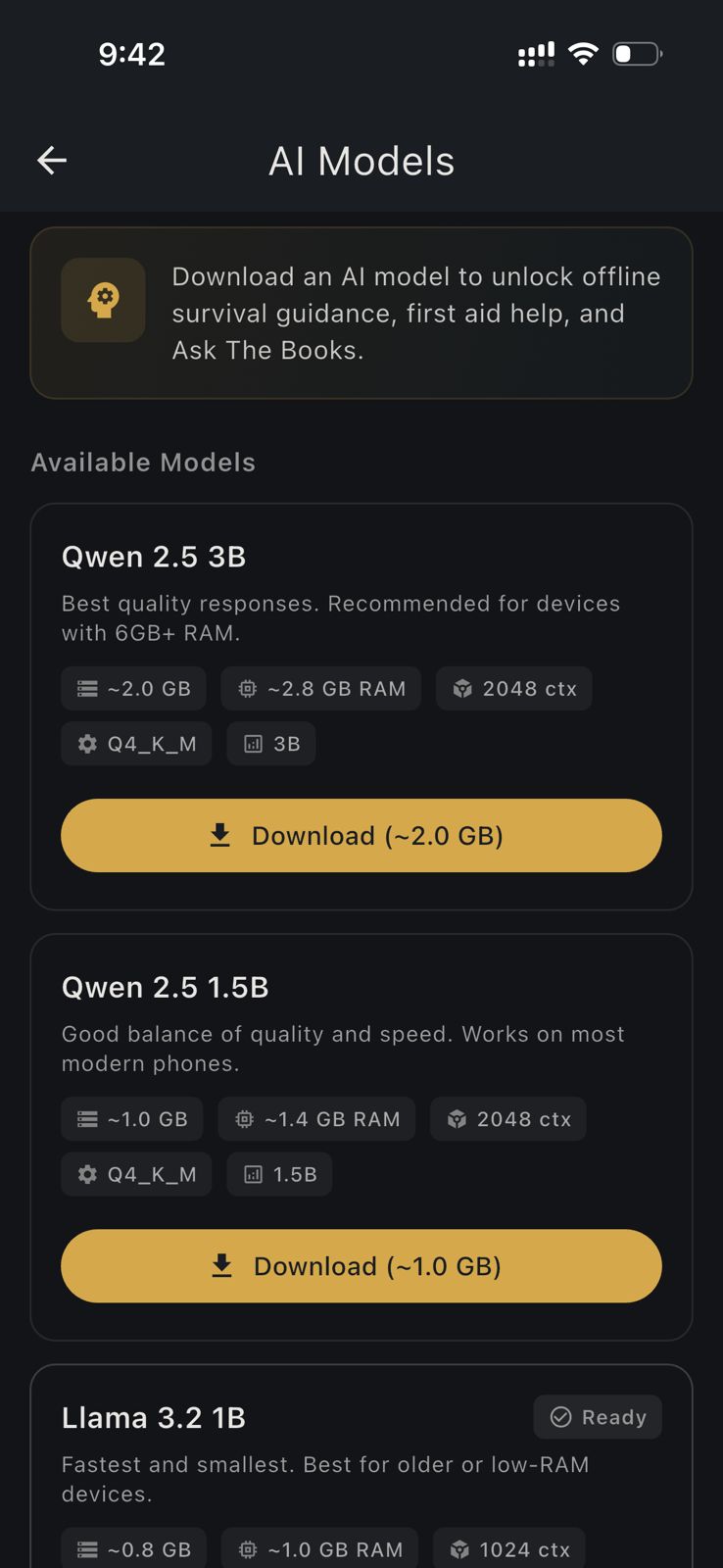
There are three main reasons people are moving toward local, on-device AI:
1. Total Privacy: When you run AI locally, your data never leaves your device. You can ask sensitive medical, financial, or personal questions without fear of data harvesting, server leaks, or AI companies using your conversations for training data.
2. No Internet Required: Cloud AI is useless during a power outage, cell network failure, or a remote wilderness trip. Offline AI works seamlessly as long as your device has battery power.
3. No Subscriptions: Running local models means you aren't paying a monthly fee to access a tech giant's compute servers.
How on-device AI works
Instead of querying a massive server farm, your phone or computer downloads a "quantized" (compressed) version of a Large Language Model (LLM). These models—like Google's Gemma 4 or Meta's Llama 3.2—are meticulously optimized to run on the RAM and processor already built into your device.
Once the model is downloaded, the entire "thinking" process happens locally. You can put your phone in Airplane Mode, and the AI will still respond instantly. No data is transmitted.
The best way to run private AI on your phone
For mobile users, the easiest way to access AI without sending data to the cloud is through offline-first apps like HAVEN.
HAVEN is an emergency preparedness and survival app that includes a built-in, completely private AI assistant.
- You download the app.
- You download the AI model of your choice (like Gemma 4) directly to your device storage.
- You use it forever, 100% offline.
HAVEN's AI is specifically tuned for survival, off-grid living, and emergency scenarios, but you can ask it anything. Because the AI runs on your local hardware, there are no chat logs sent to any server. Your data stays yours.
Hardware requirements for local AI
To run a meaningful AI model on your device, you need sufficient RAM (Random Access Memory).
- Smartphones: Modern iOS (iPhone 13 or newer) and Android devices with at least 4GB of RAM can run highly capable small models (2B parameters). Devices with 8GB+ of RAM can run much more advanced 4B models.
- Laptops/Desktops: A MacBook with Apple Silicon (M1/M2/M3/M4) or a PC with 16GB+ RAM can run highly advanced models completely offline using desktop software.
If you value your privacy or need a reliable, intelligent tool when the grid goes down, setting up local AI is one of the smartest digital preparedness steps you can take today.
Ready to get prepared?
Download HAVEN free and start your preparedness journey today.